
How to find past M&A transactions
Analyse completed deals across Europe and identify potential buyers.

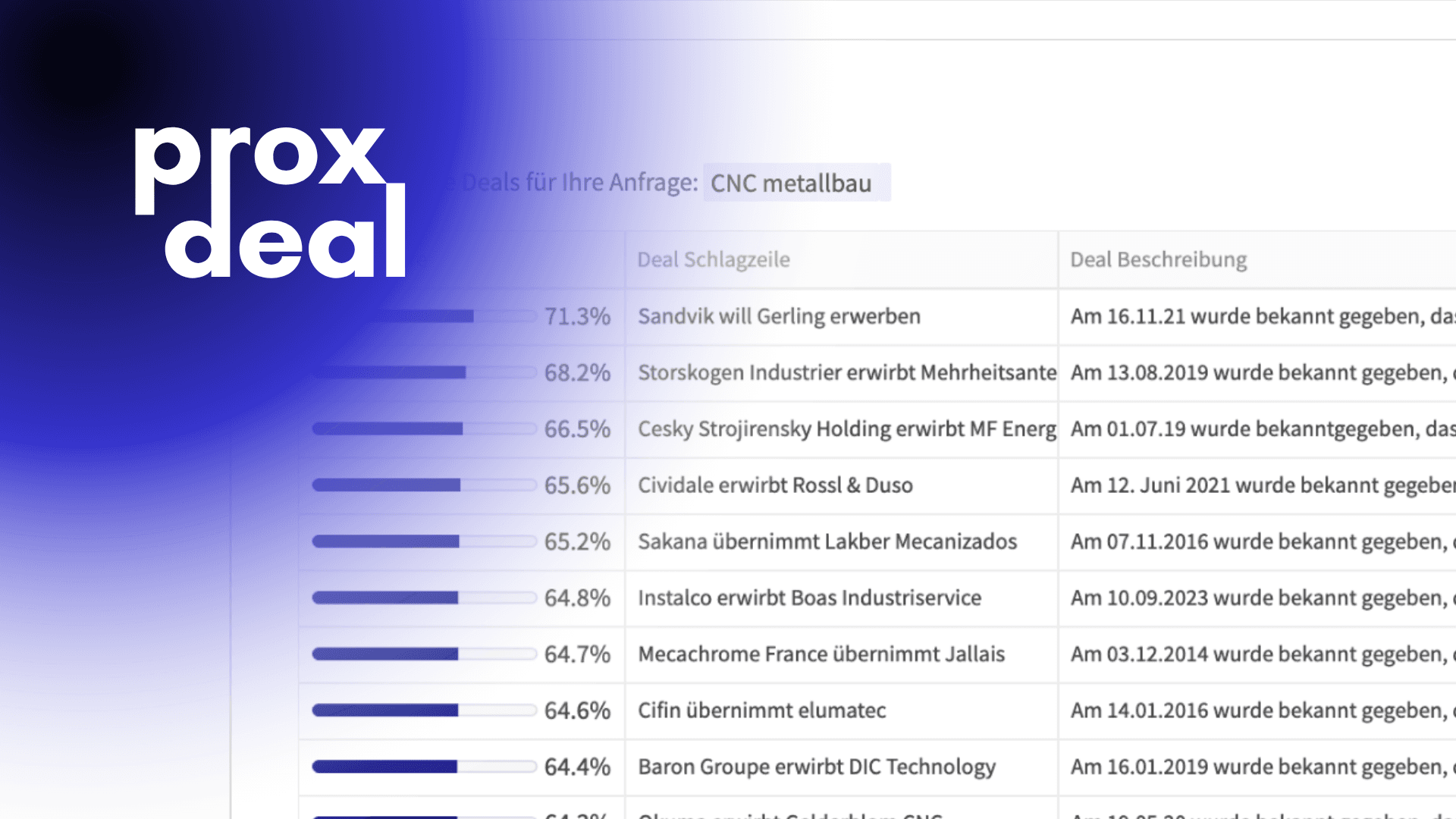
The transaction search in Datafinder lets you analyse past M&A transactions across Europe to identify potential buyers for a specific target company. Based on a short description of the target, the search evaluates historical transactions, allowing you to find new investors who have previously invested in comparable companies and may therefore be interested again. Below, we walk you through the deal search step by step, from entering your query to analysing the results.
Entering your search query
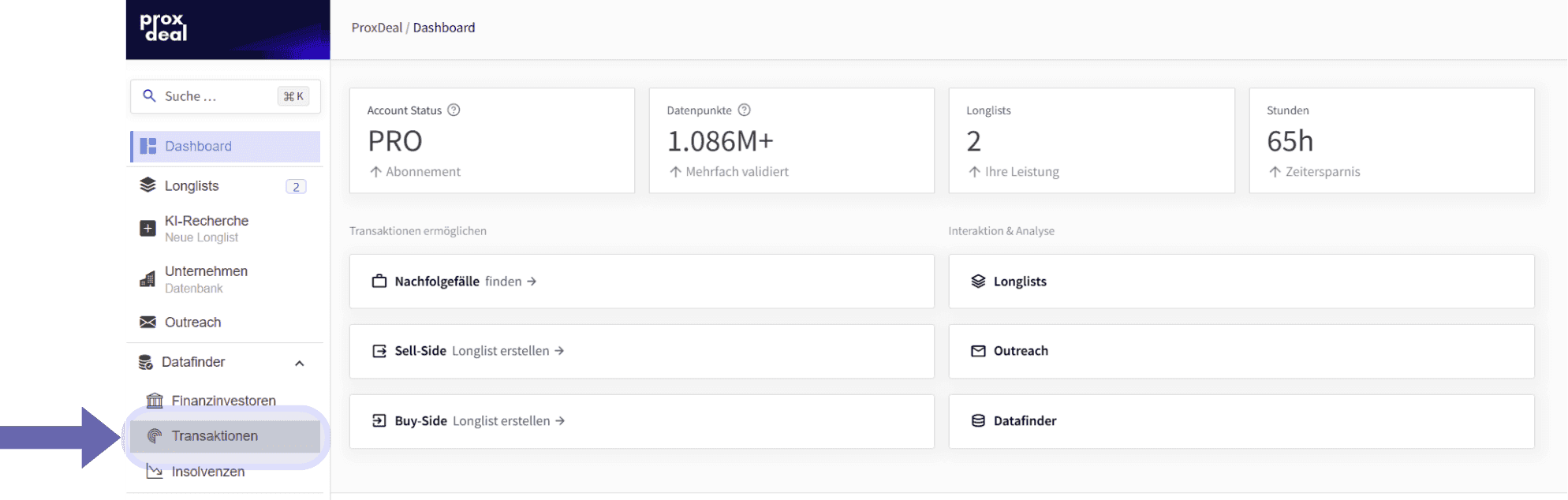
To start the transaction search, expand Datafinder and select ‘Transactions’ in the left-hand sidebar.
A precise description of the target company’s industry or field of activity is a good starting point for formulating your first query. Your query can consist of full sentences, individual phrases or even questions. Because the deal search uses AI-based semantic technology, the results do not depend on spelling, keywords or industry codes.
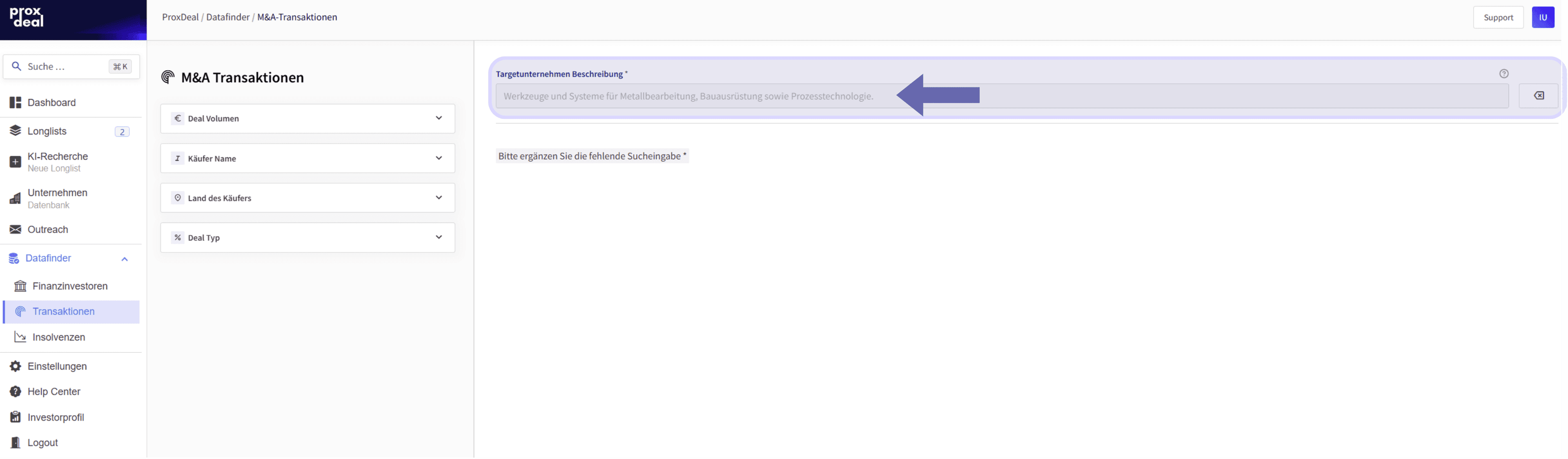
Once you have entered your query, you can apply initial filters covering the following criteria:
- Minimum and maximum deal value (deals with an undisclosed value are not included in the results)
- Name of the acquiring company
- Country of the acquiring company
- Deal type
Alternatively, you can start with a broader search without any restrictive filters.
Analysing the results
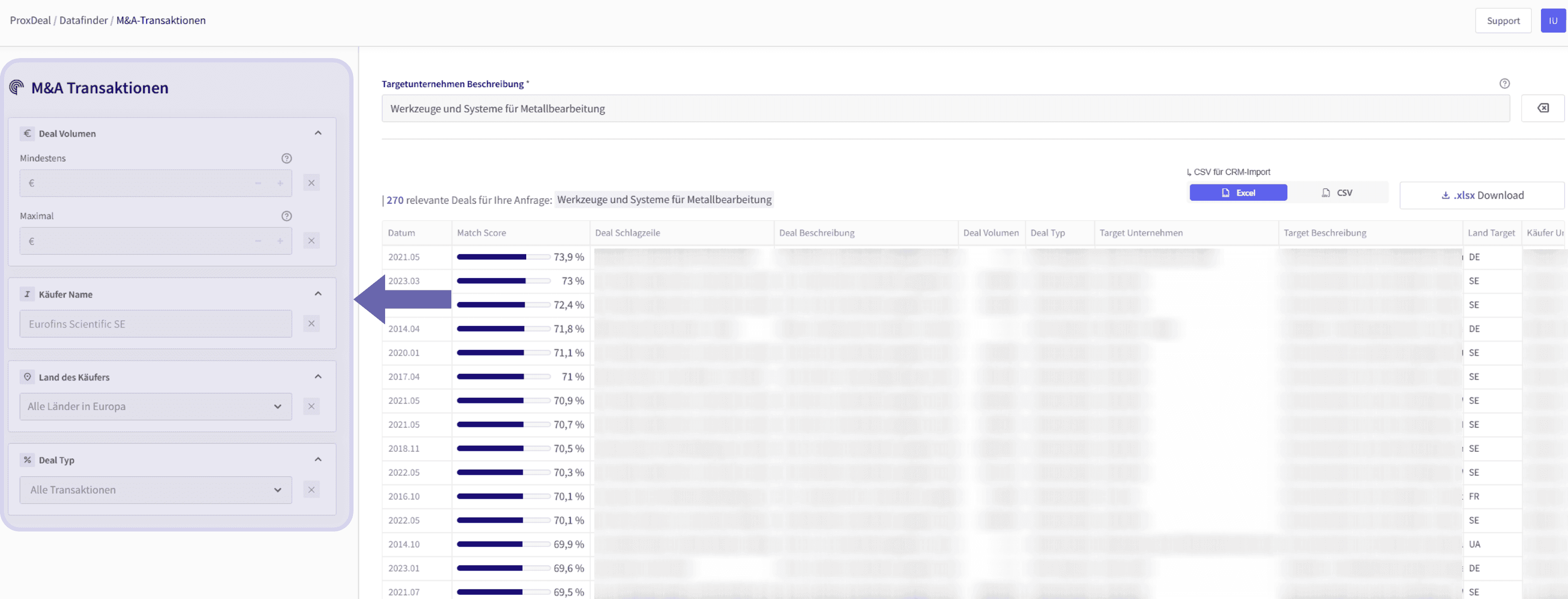
By default, the deals returned are sorted by match score in descending order – in other words, by how closely your description matches the information on the past transactions. All deals shown are selected for their relevance to your search query and include information such as the deal headline, the target description and the acquiring company.
If needed, you can add further filters afterwards. For example, you can use the ‘Buyer country’ drop-down menu to filter by a single country or select several at once.
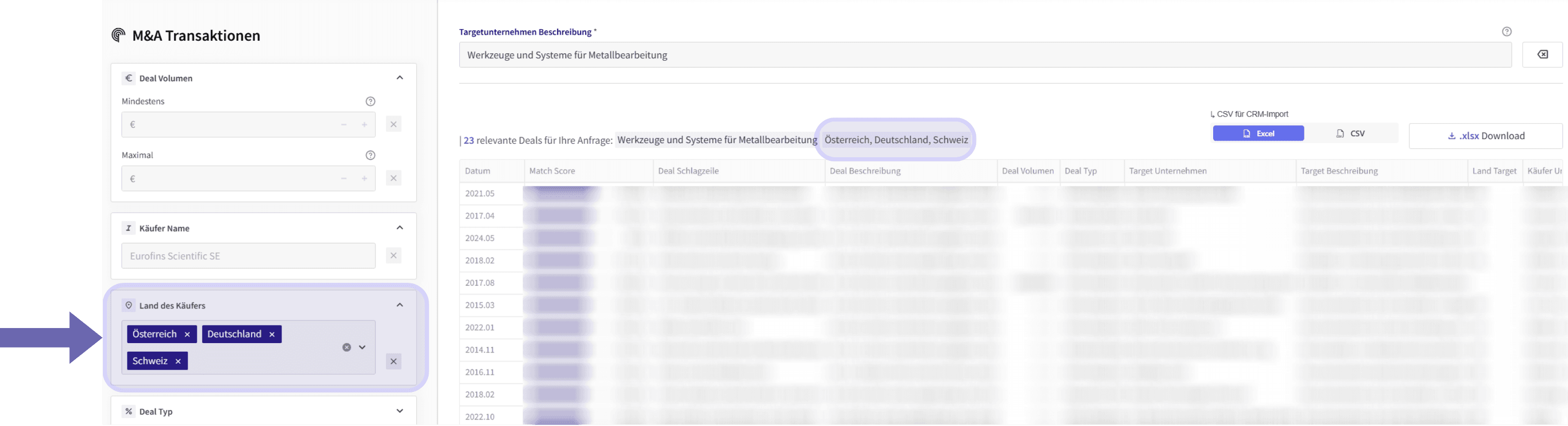
Display and export options
Within the application, you can expand the filtered table to full screen using the ‘⛶’ icon, and use the ‘🔍’ icon to search the entire overview for specific keywords.

You can either download the deal overview as an Excel file or export it as a CSV file – for example, to import it into a CRM system.

You can also start a new search query at any time by resetting the current search with the ‘⌫’ icon.

Benefits
With ProxDeal, you can identify relevant past deals in seconds and plan future transactions on an informed basis. The wide range of filter options lets you narrow down your search in a targeted way and tailor it to your individual requirements. In addition, the semantic, AI-based search delivers precise results, while the flexible export options let you reuse the results in the format of your choice. Thanks to the Europe-wide deal search, you can find investors who have already completed similar M&A transactions and may therefore be candidates for upcoming deals.
Book your free demo now and experience all the benefits for yourself.
Stay ahead
 Stay ahead
Discover what ProxDeal PRO can do.
ProxDeal is built specifically for the DACH M&A market. Give yourself a decisive competitive edge – starting today.

Related articles

Market Analysis
Revenue and EBIT estimates in the DACH private market
How to correctly interpret ProxDeal’s revenue and EBIT estimates for private DACH companies and use them for M&A and market analysis.
Tutorials
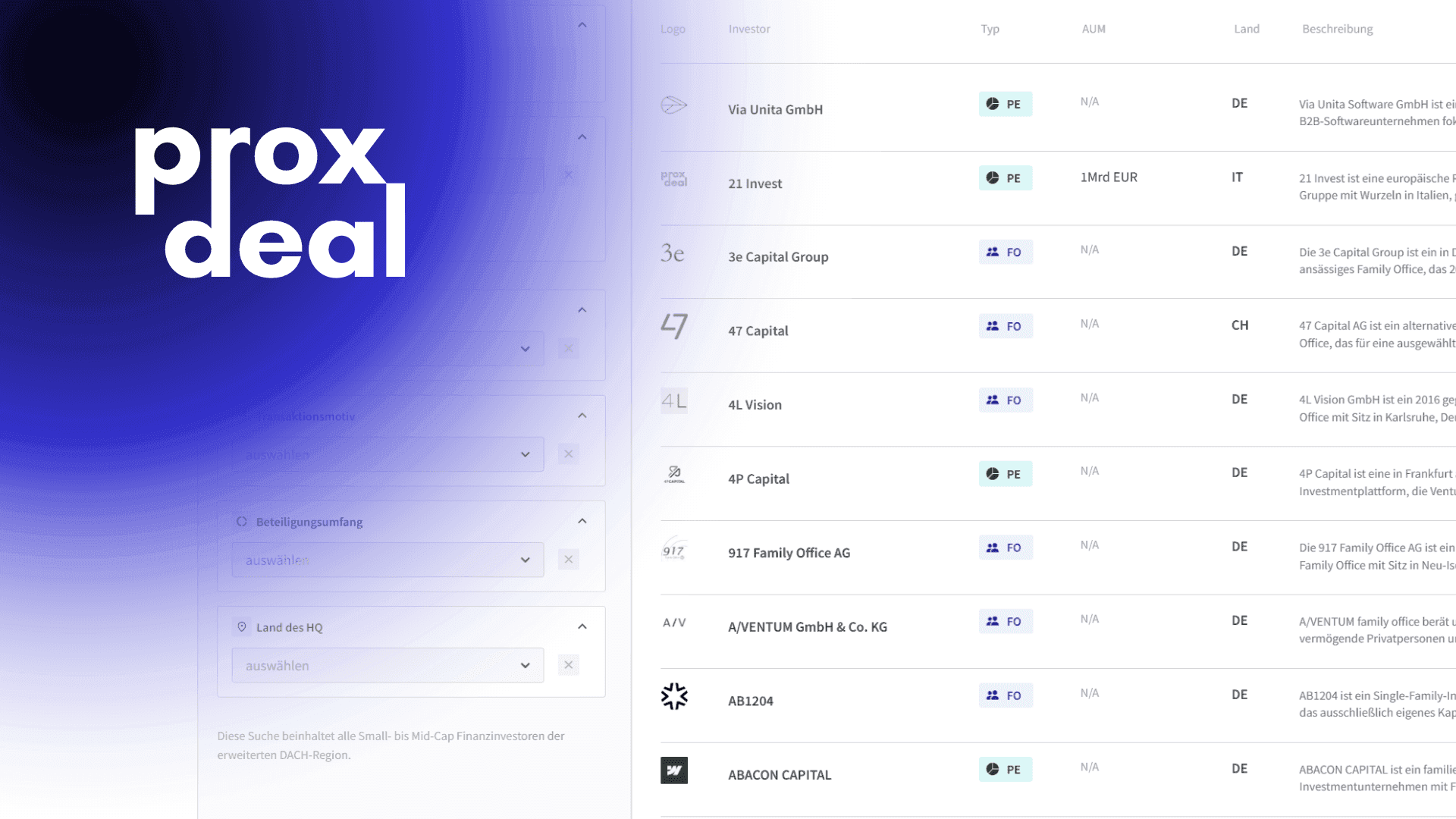
How to find financial investors in Datafinder
Find private equity firms, family offices and search funds.
Tutorials
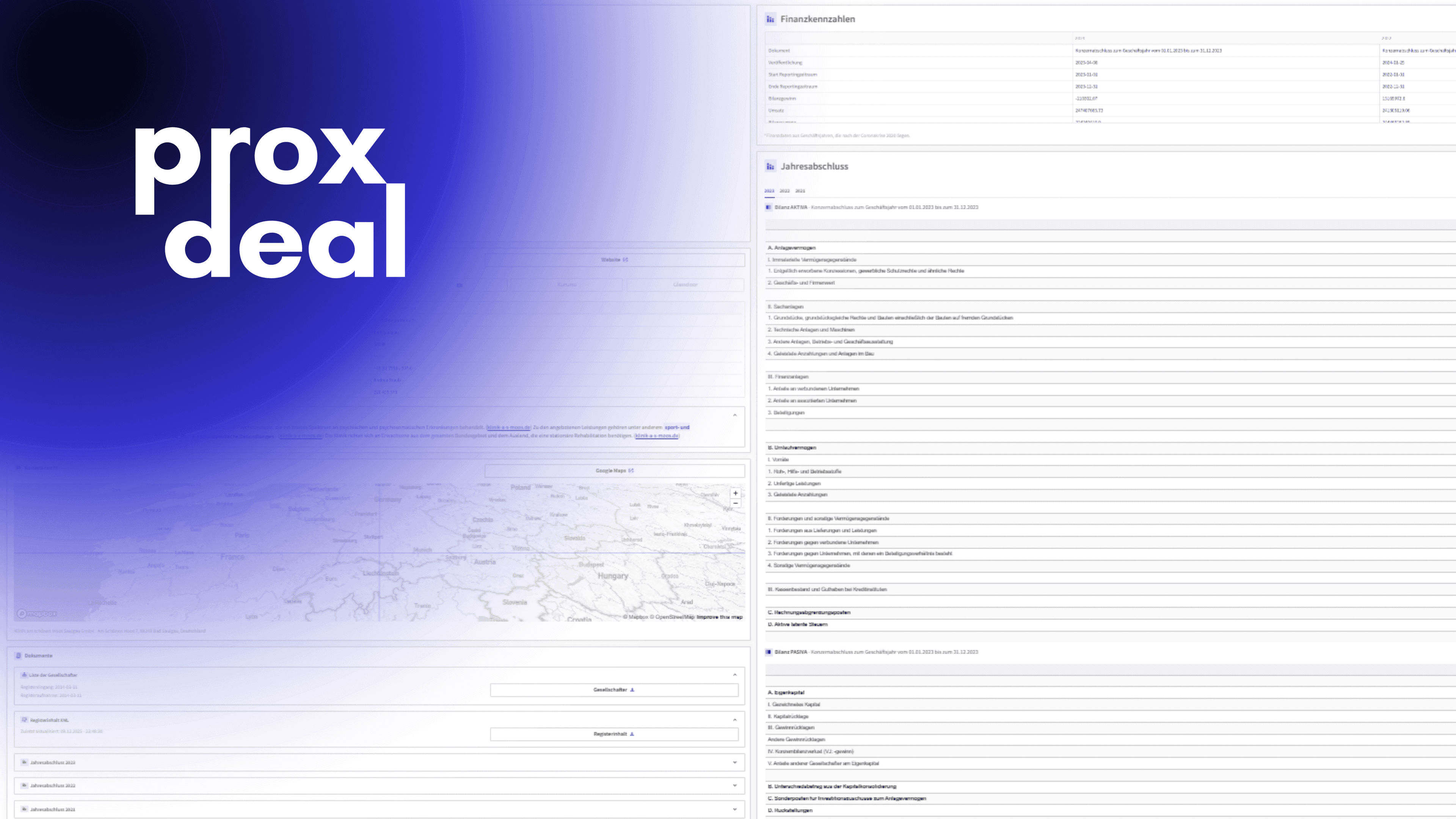
How to find DACH companies
Analyse register data, financial metrics and company profiles in the database.